
Turn a referral into a customer
A referral is not a customer yet. A neighbor filled in a short form because they want their pool serviced. Next is a phone call.
Where they show up
A New Referrals panel sits on your Today page, above the briefing: “2 neighbors want to join — give them a call, get their pool details, then set them up.”
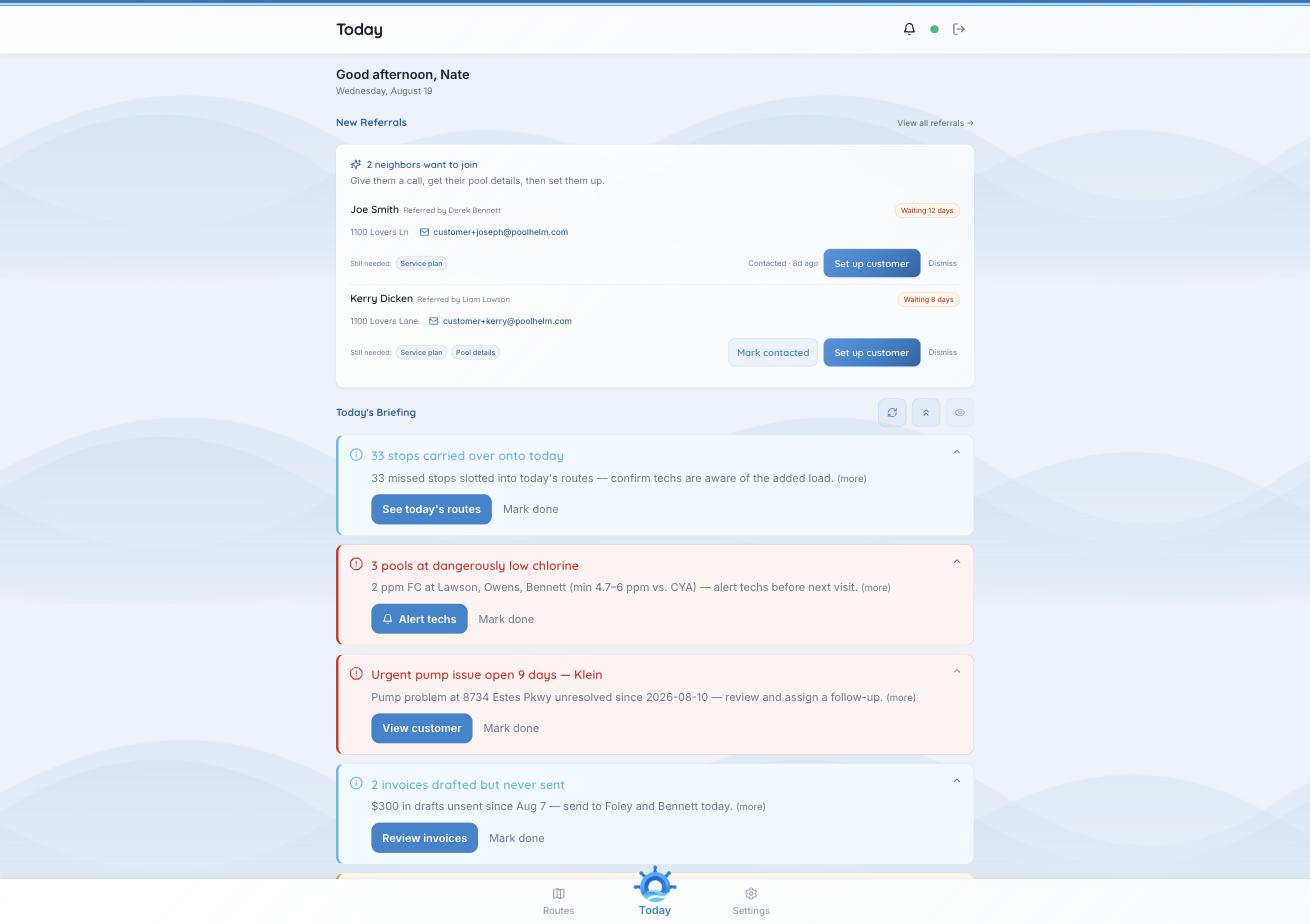
Waiting days, what’s still missing, and the three things you can do about it.
What each card tells you
- Who they are, and who referred them. “Derek suggested I call” opens the conversation.
- How long they’ve been waiting — “Waiting 12 days.” A referral is warmest on day one.
- Their address and email.
- “Still needed before activation” — usually a service plan and pool details. Exactly what you collect on the call.
- Whether you’ve reached out — “Contacted · 8d ago.”
What to do with one
- Call them. Get pool size, type, sanitizer, filter, and the service they want.
- Mark contacted, so the rest of the office knows where it stands.
- Set up customer. This opens the customer with what PoolHelm knows already filled in. Add the service level and pool details the card flagged.
- Switch them on once the checks pass and the customer reads Ready.
- Put them on a route. Route fit on the Referrals page tells you which of your days they’re nearest.
Dismiss takes a card off the panel. Use it when a referral goes nowhere. The record stays on the Referrals page.
Setting the customer up unlocks nothing. Both credits wait on that new customer’s first invoice being paid.
See also: “When do referral credits unlock?” and “Why is a customer ‘inactive’?”